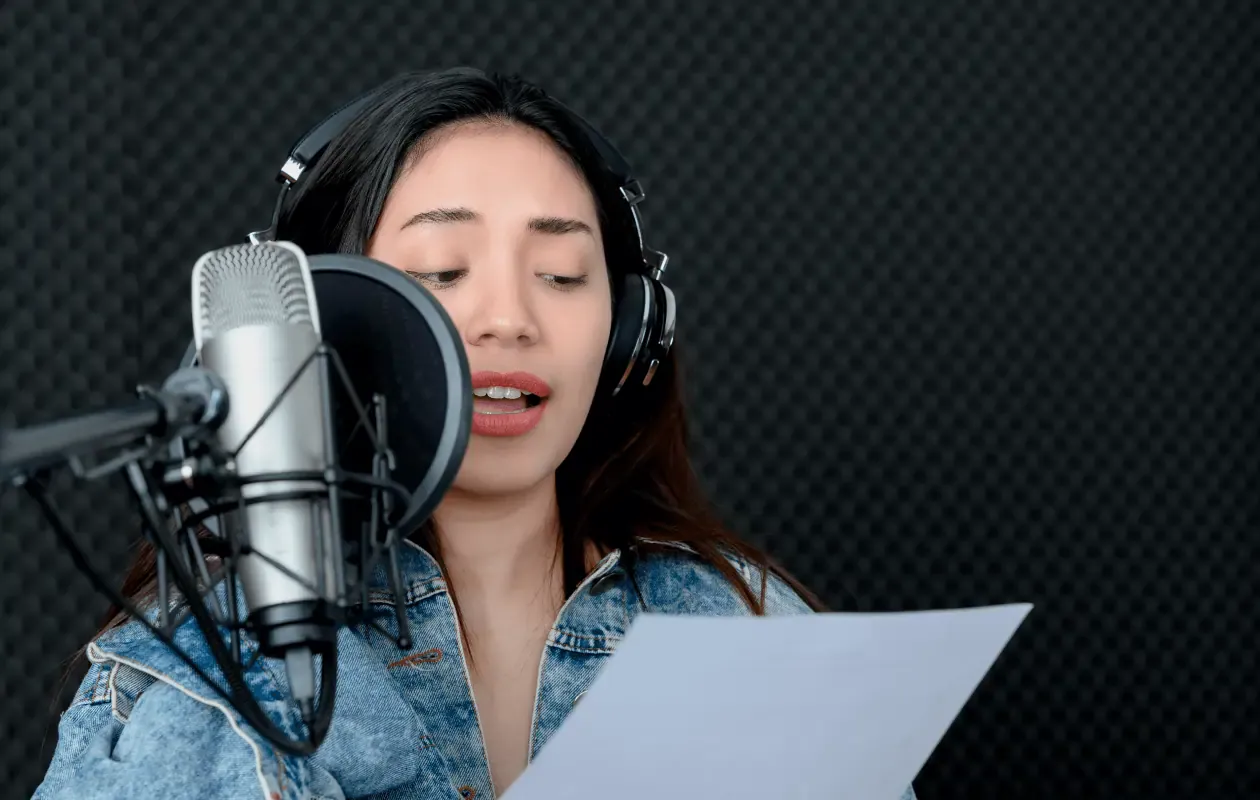
Riverside on Thursday published a roundup of eight voice-over software tools and apps for recording, editing and polishing audio, highlighting Adobe Audition as its top overall pick and Audacity as its best choice for beginners.
The guide, 8 of the Best Voice Over Software & Apps for Top-Quality Audio (2026), reviews tools for creators working on voice-overs, podcasts, training videos and other audio projects. It outlines what to look for in voice-over software, including audio quality, editing tools, noise reduction, export formats and ease of use, and distinguishes between desktop programs, mobile apps and browser-based tools.
Riverside said the options covered in the guide are available across Windows, macOS, iOS and Android depending on the product, reflecting the needs of users working across devices and locations. The list includes software for professional editing suites, free open-source tools and mobile or cloud-friendly workflows.
Adobe Audition leads the list
Riverside described Adobe Audition as the most complete option for users who want advanced multitrack editing and restoration tools. The software includes spectral editing and noise reduction features and integrates with other Adobe apps, according to the guide.
The company said Adobe Audition uses a subscription model and is aimed more at professionals than casual users.
Audacity is positioned for beginners
Riverside named Audacity as the best choice for beginners, calling it a free, widely used editor for basic voice recording and cleanup tasks. The open-source software has broad community support and is available across platforms, the guide said.
The company noted that Audacity offers a simpler workflow than premium software and fewer built-in polish tools.
GarageBand, Descript and Riverside cover mobile and cloud workflows
The guide also highlights GarageBand, Descript and Riverside as options for creators who need more flexible recording and editing setups. Riverside said these tools are suited to mobile and browser-based workflows, with features that can include transcription, remote recording and text-based editing.
According to the guide, those features are aimed at convenience, collaboration and fast turnaround for social content and travel-focused production. Riverside placed the tools among the best choices for users who want to work from different locations or devices. See related coverage in Live Streams and News.
Other picks include Logic Pro, Reaper and WavePad
Riverside’s list also includes Logic Pro, Reaper and WavePad. The company said Logic Pro is geared toward music-grade production, Reaper offers low-cost advanced editing, and WavePad is designed for straightforward voice cleanup.
The guide said the three tools serve different budgets and editing needs, with each aimed at a different type of creator or team.
How to choose a voice-over tool
Riverside said the right choice depends on the job, whether the project is a podcast, training video, travel explainer, webcam demo or branded voice-over. The company recommends starting with a free or low-cost option before moving to a paid suite if more features are needed.
The guide also says software cannot fix poor source audio and advises users to pay attention to headphones, room acoustics and microphone setup. For readers following camera and production tools, related items are available in Cameras News.
Riverside did not provide pricing details for the tools beyond noting that Adobe Audition is subscription-based and Audacity is free. The full guide is available on the company’s marketing blog.